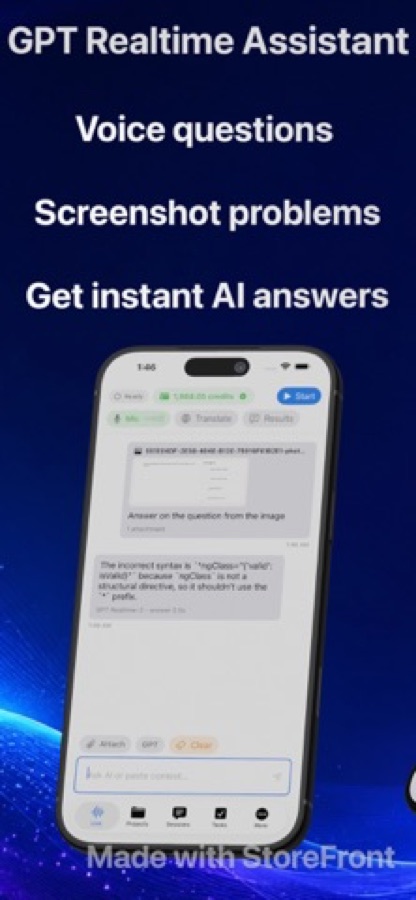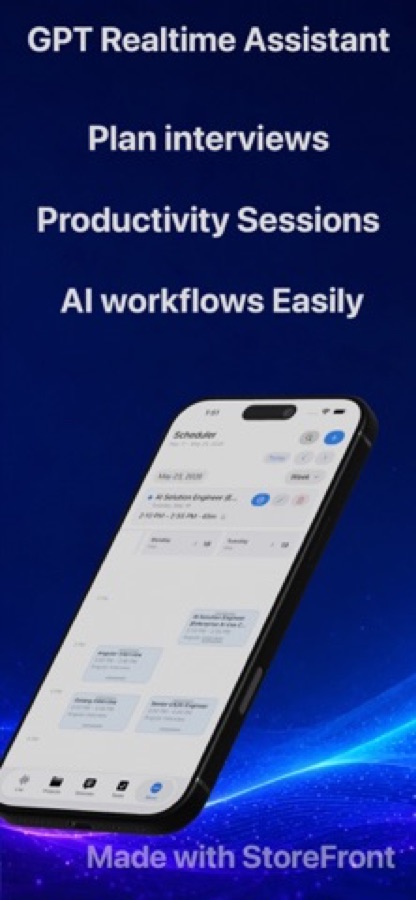
GPT Realtime Assistant listens during a session you start and end yourself — a meeting, a lecture, a conversation in another language — and helps while it is still going on: a live transcript, the assistant's answers to what is being discussed, and live translation into the language you choose.
Sessions run on GPT Realtime in the cloud, or on a Mac with Apple silicon on local models without the cloud. Sessions and transcripts stay on the device, beside a task board and a scheduler where a useful moment becomes a task with one tap. It works live: it does not write summaries or minutes on its own. Free to download; it runs on a monthly subscription that includes AI credits.
What it does
- Live transcript with the assistant's answers beside it, via Apple Speech or GPT Realtime
- Live translation into the language you choose, one direction at a time
- Karaoke-style readback for rehearsing a talk or practising a language
- Task board and scheduler: a useful moment becomes a task with one tap
Works well with
 Reel Screen Recorder
Keep a live translation as a video: with Reel Screen Recorder running, the translation on screen, your camera and your voice are recorded together, on iPhone, iPad and Mac.
How to turn a live translation into a video- Category
- Productivity
- Platforms
- iPhone, iPad, Mac
- Requires
- iOS 26.0+
- Version
- 1.0
- Released
- 2026-05-21
- Updated
- 2026-05-26
- Price
- Free