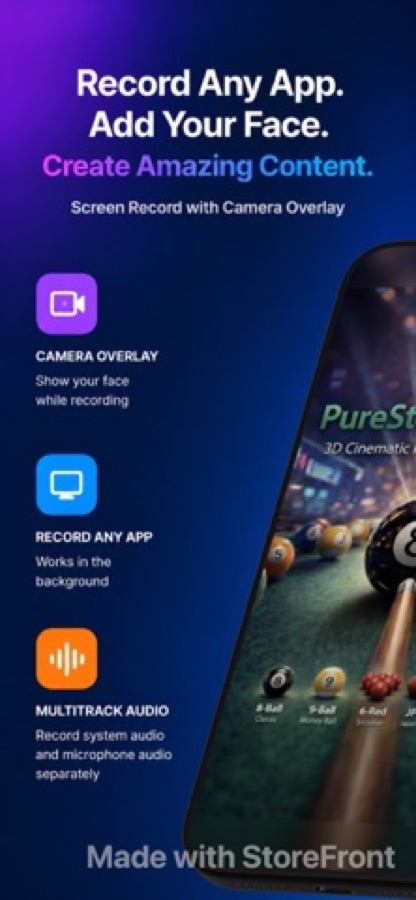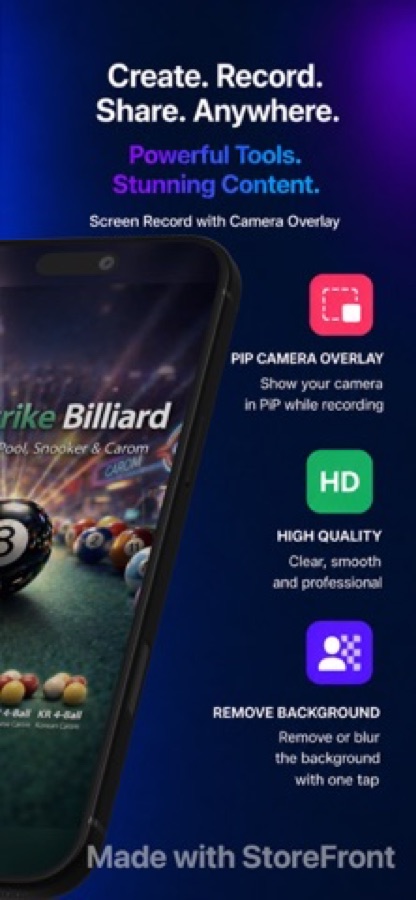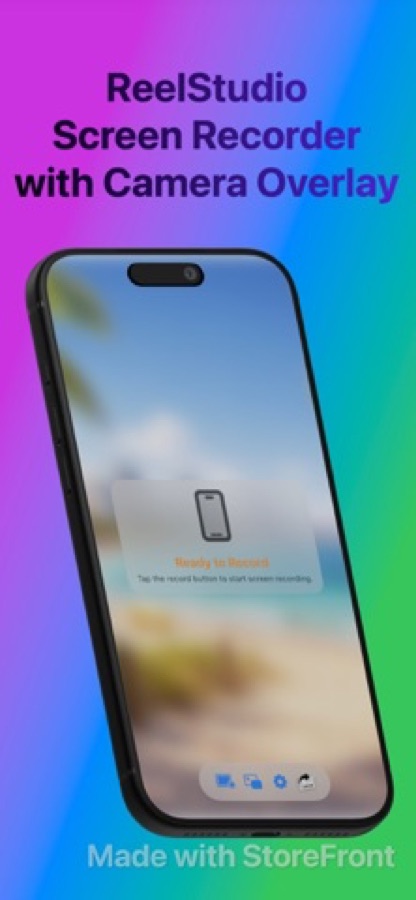
Reel records the screen and the camera at the same time on iPhone, iPad and Mac, so a tutorial, a demo or a reaction is one file rather than two to line up later. On iOS it can play a video inside the app and record it together with the camera.
The camera floats, sits in native Picture in Picture, or on Mac lives in its own pop-out window. Microphone and system audio are separate levels; backgrounds go behind the camera; the result is a clean MP4.
What it does
- Screen and camera captured together, via ReplayKit on iOS and ScreenCaptureKit on Mac
- In-app video player recorded with your camera, for reactions and commentary
- Mic and app audio mixed independently, single or two tracks
- 480p, 720p and 1080p free; native resolution with Pro
Works well with
 GPT Realtime Assistant
Record a live translation with your face in it: GPT Realtime Assistant writes the translation on screen as you talk, and Reel records the screen, your camera and your voice as one video, on iPhone, iPad and Mac.
How to record a video with live translation- Category
- Photo & Video, Productivity
- Platforms
- iPhone, iPad, Mac
- Requires
- iOS 26.0+
- Version
- 1.3.3
- Released
- 2026-02-12
- Updated
- 2026-09-21
- Price
- Free